Cross‑language communication tools are meant to be bridges. But in real life, many single‑screen translator devices can unintentionally become barriers—especially in face‑to‑face conversations.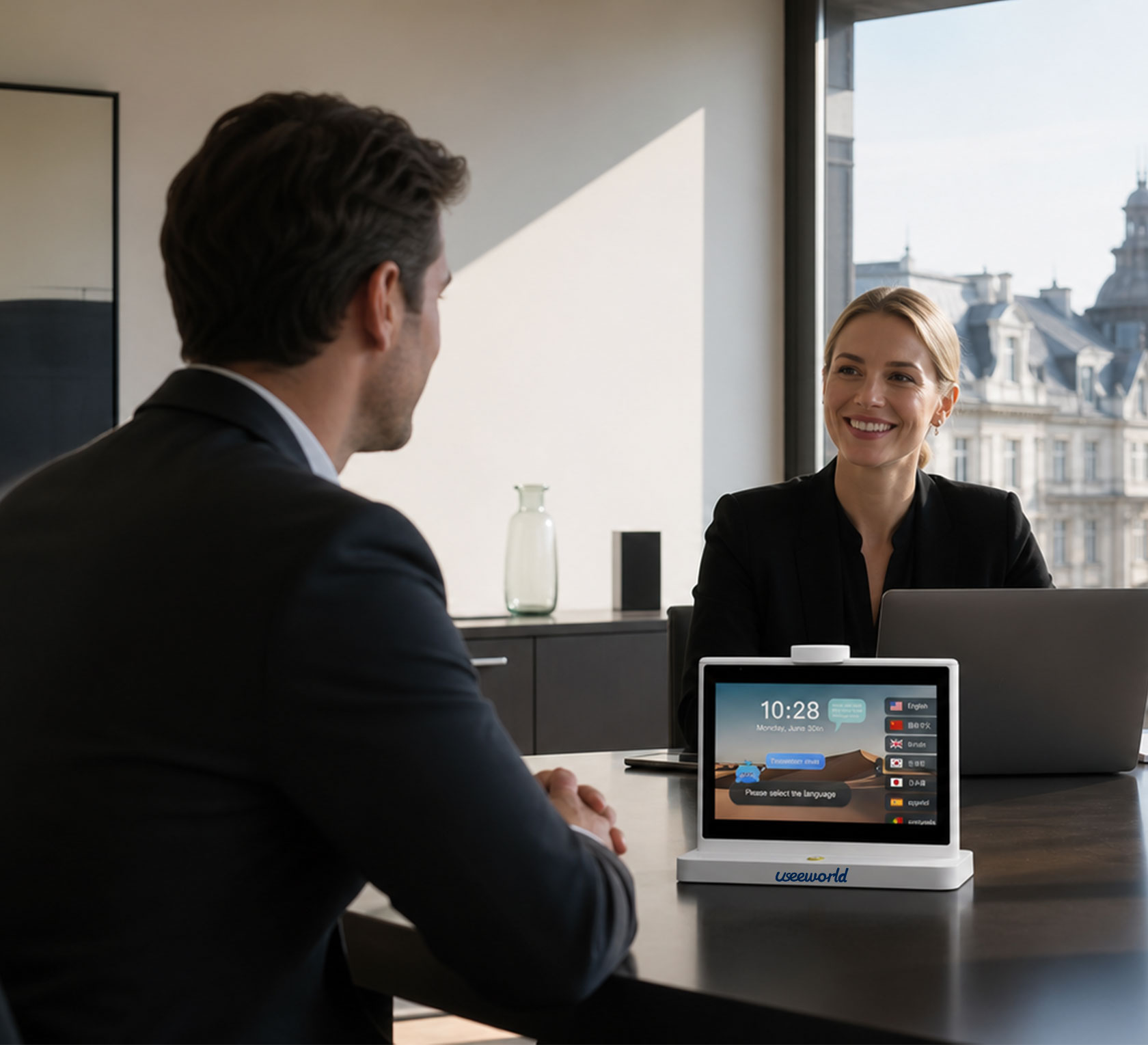
In business settings, repeatedly passing a device back and forth can interrupt the pace of negotiation and make the interaction feel less professional. In everyday situations, two people leaning in to read the same screen can feel awkward, cramped, and unnatural. These small frictions add up: they reduce efficiency, and they can even affect basic conversation etiquette.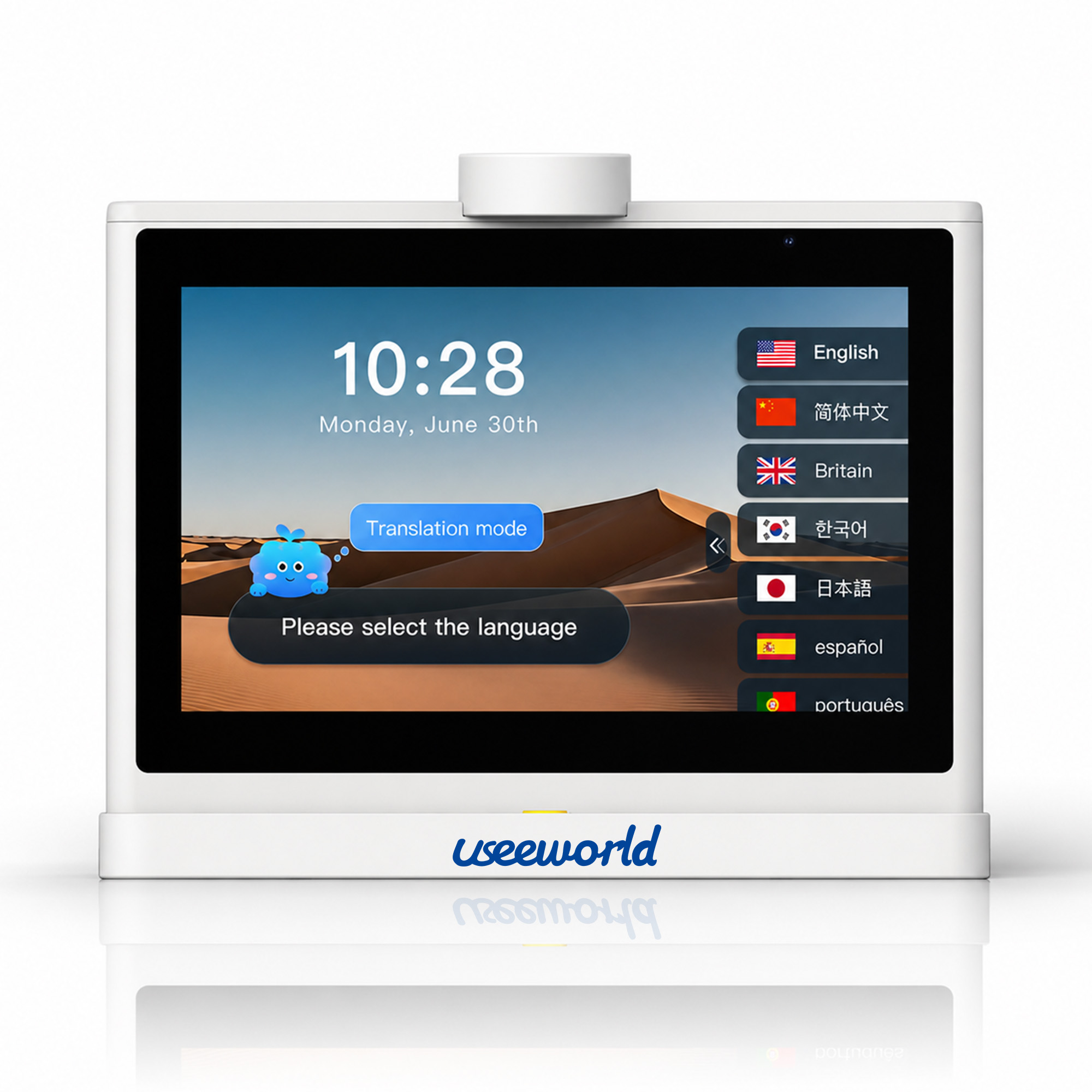
Useeworld Dual‑Screen AI Translator is built to solve this exact problem: it helps people move from “looking down at a device” back to “looking up and speaking naturally.”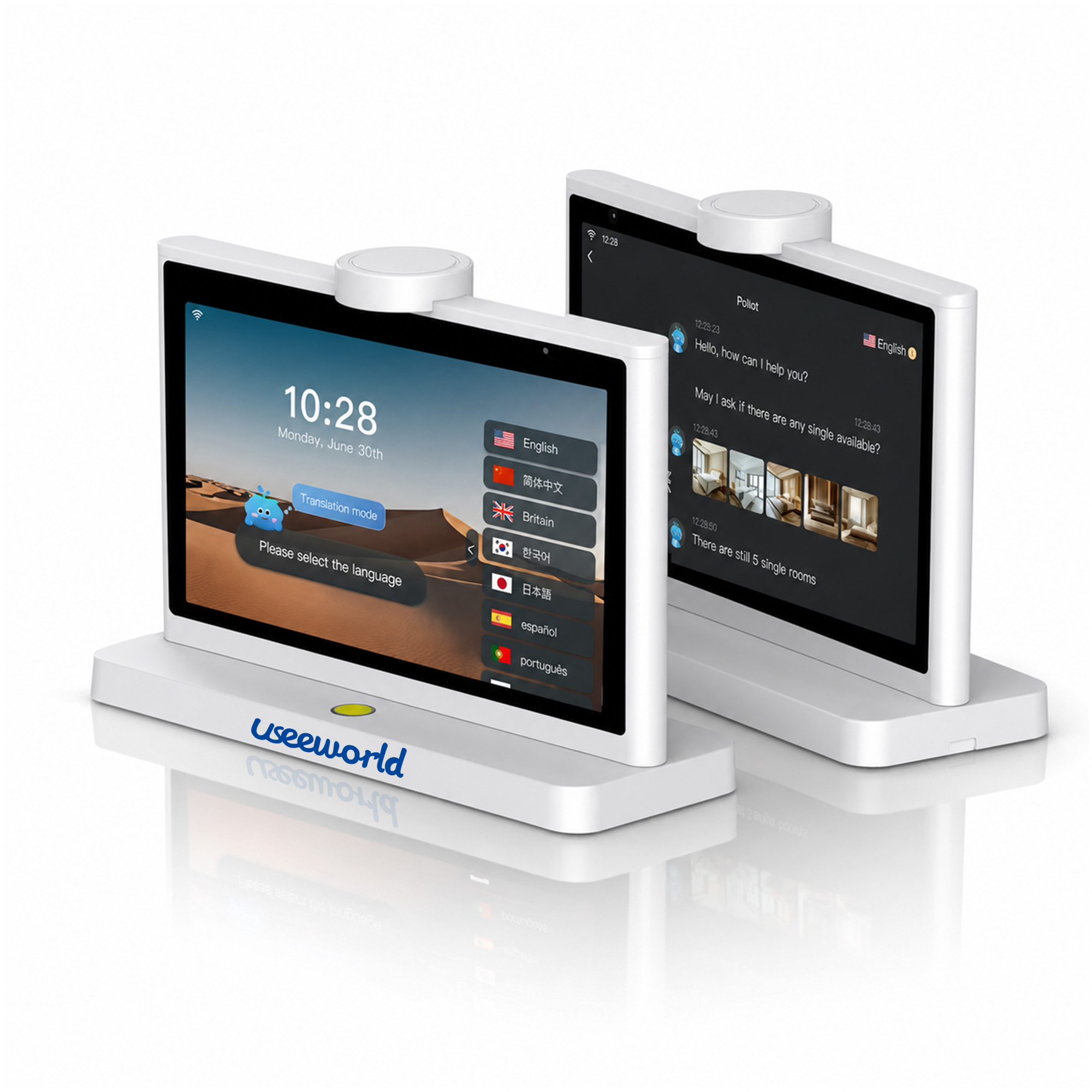
The core innovation is a two‑way dual‑screen split display.
Instead of forcing both speakers to share one screen—or constantly hand the device to the other person—Useeworld’s design allows both sides to see what they need at the same time:
This simple change removes a surprising amount of friction. Both people can stay focused on the conversation itself, keep a comfortable posture, and maintain more natural eye contact.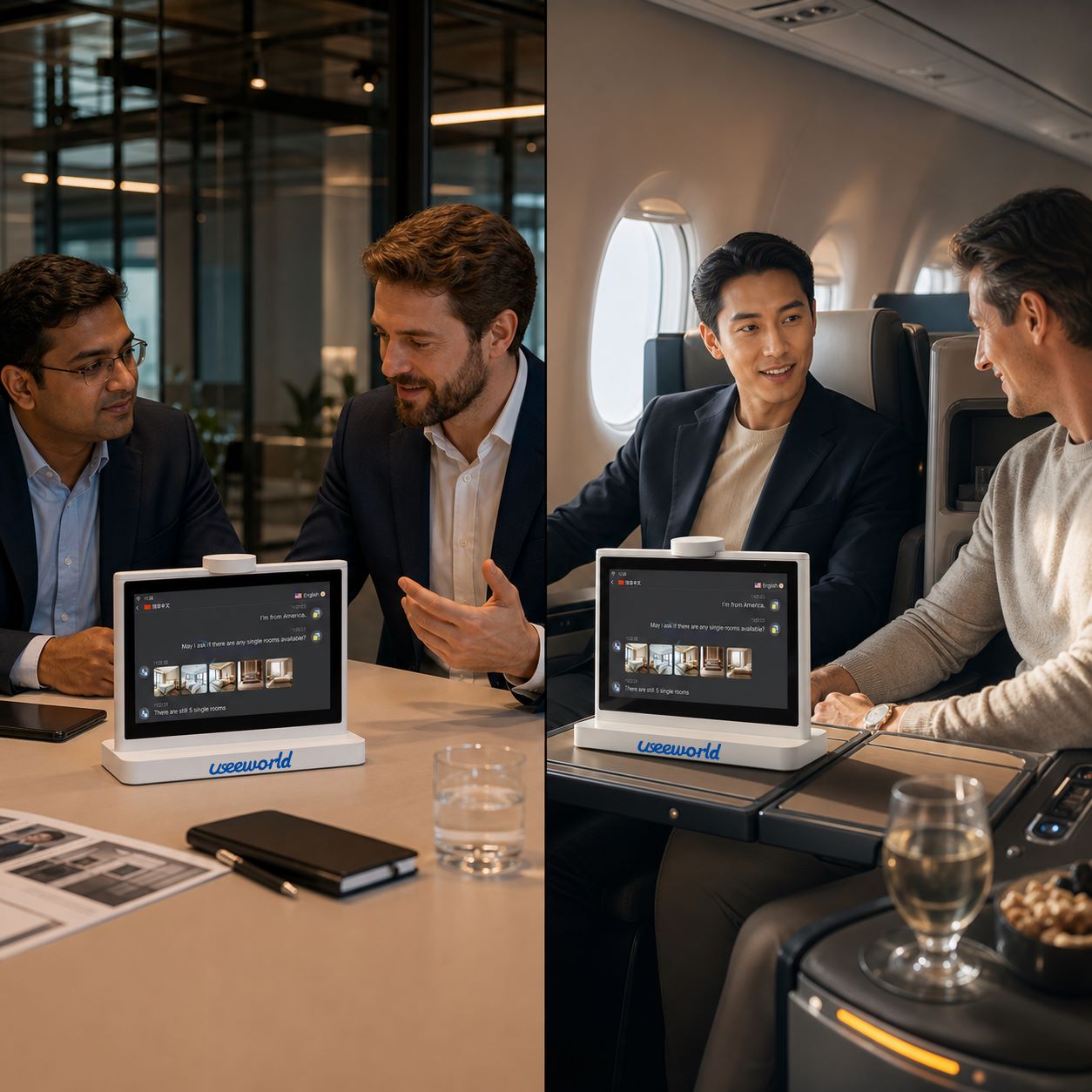
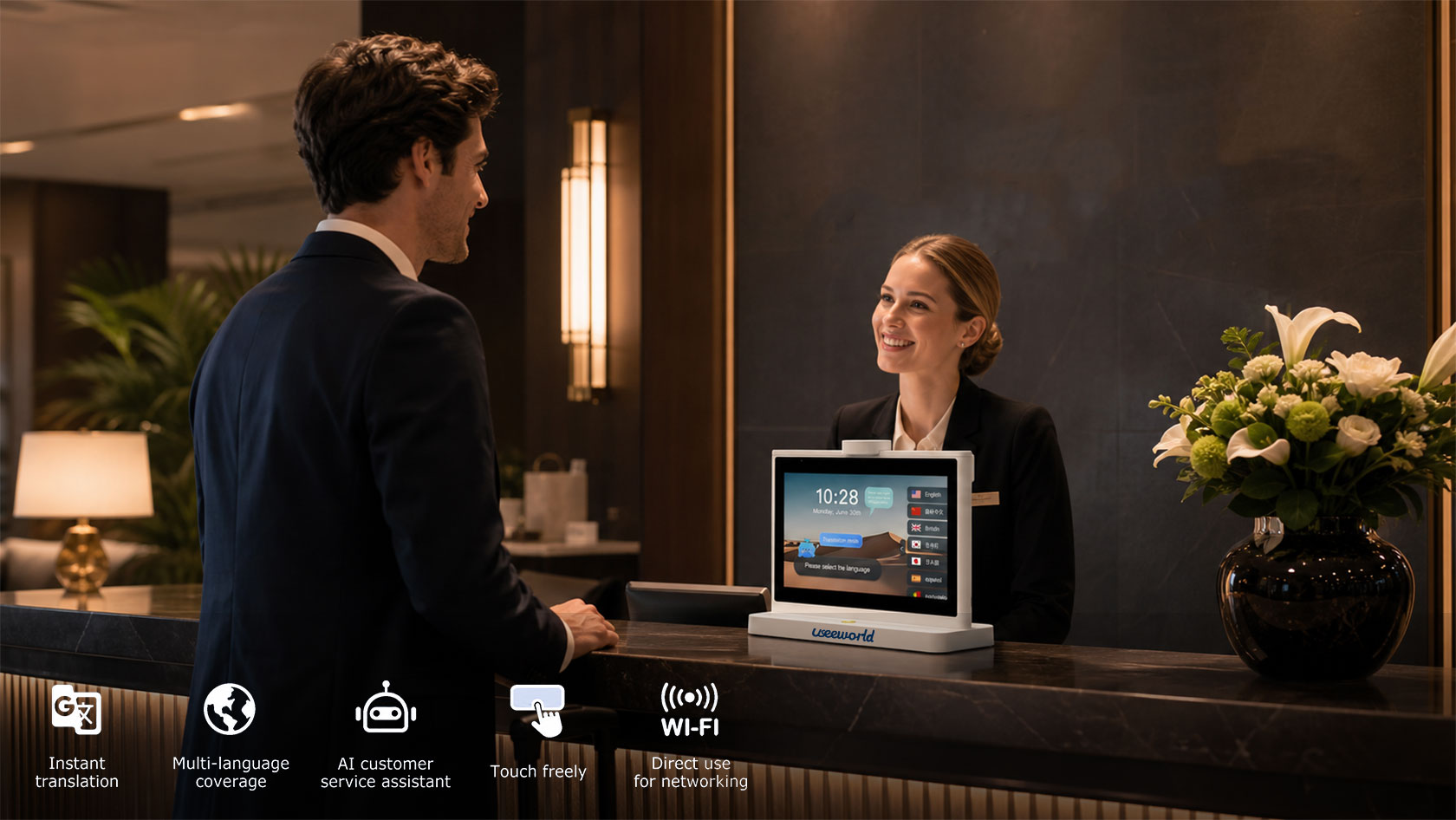
A dual‑screen experience only works when translation appears quickly enough to match how people speak. Useeworld is designed for real‑time translation so the translated text can appear with minimal waiting, reducing the stop‑and‑go rhythm that makes multilingual conversations tiring.
When the translation shows up fast, the interaction feels closer to a natural, same‑language dialogue: fewer pauses, fewer “hold on a second” moments, and less pressure on both speakers.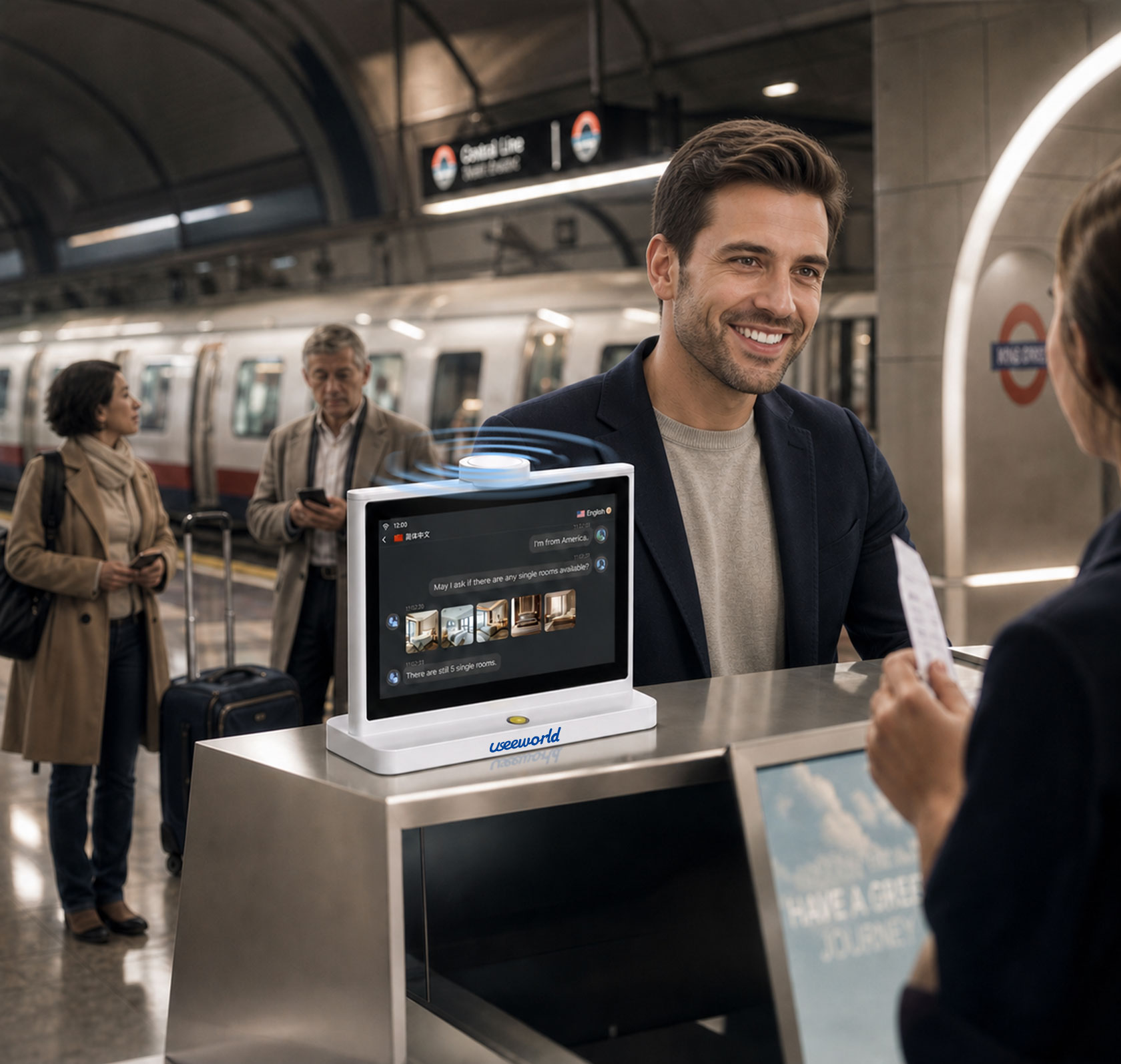
Great translation isn’t just about speed. Real conversations include accents, noise, specialized terms, and unstable connectivity—especially at trade shows, airports, restaurants, or outdoor travel routes.
Useeworld focuses on practical features that help the device stay useful beyond perfect conditions:
In remote locations, exhibition halls with overloaded networks, or areas with weak signals, offline capabilities help keep communication going even when internet access is unreliable.
When you’re facing printed text—foreign menus, road signs, product labels, or paperwork—photo translation helps you skip manual typing. Just capture the text and translate it on the spot.
The goal is one device that works for:


